What you can do on the free plan
The free plan has no time limit and does not ask for a card. It includes:
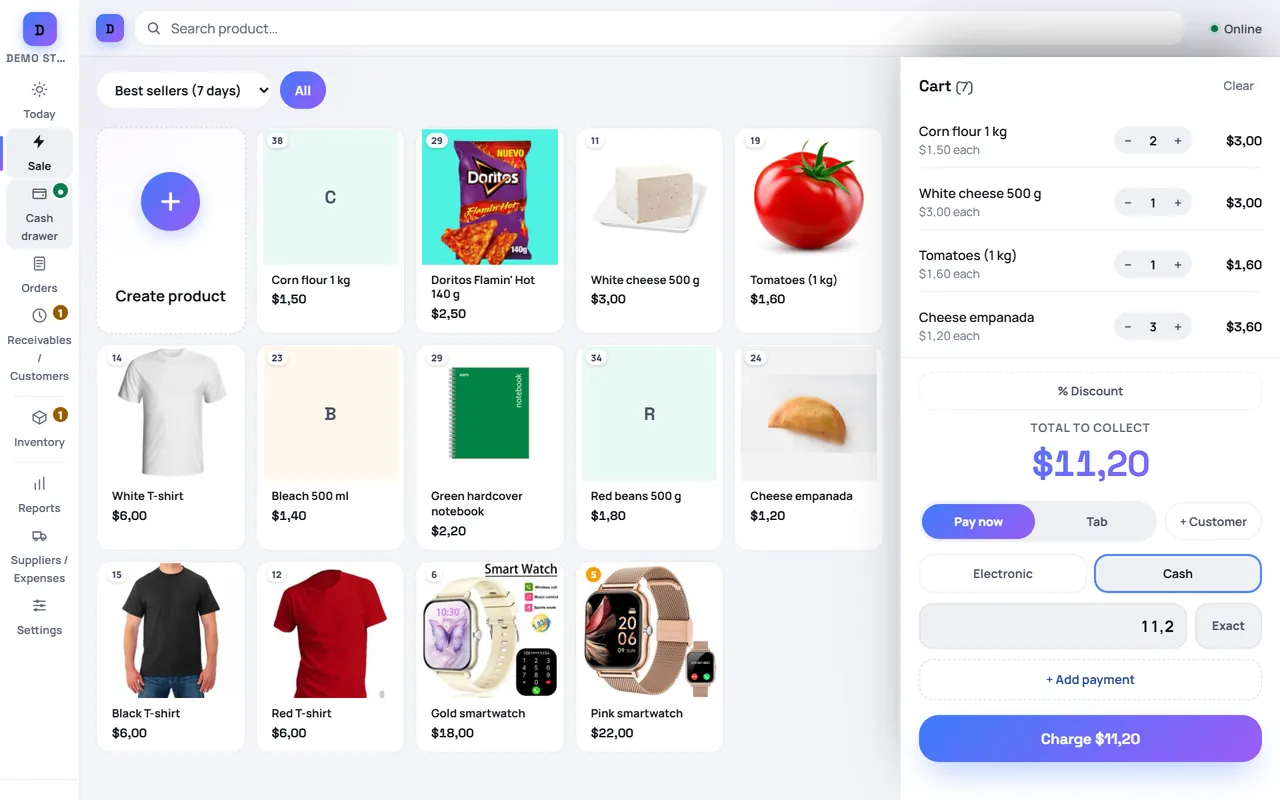
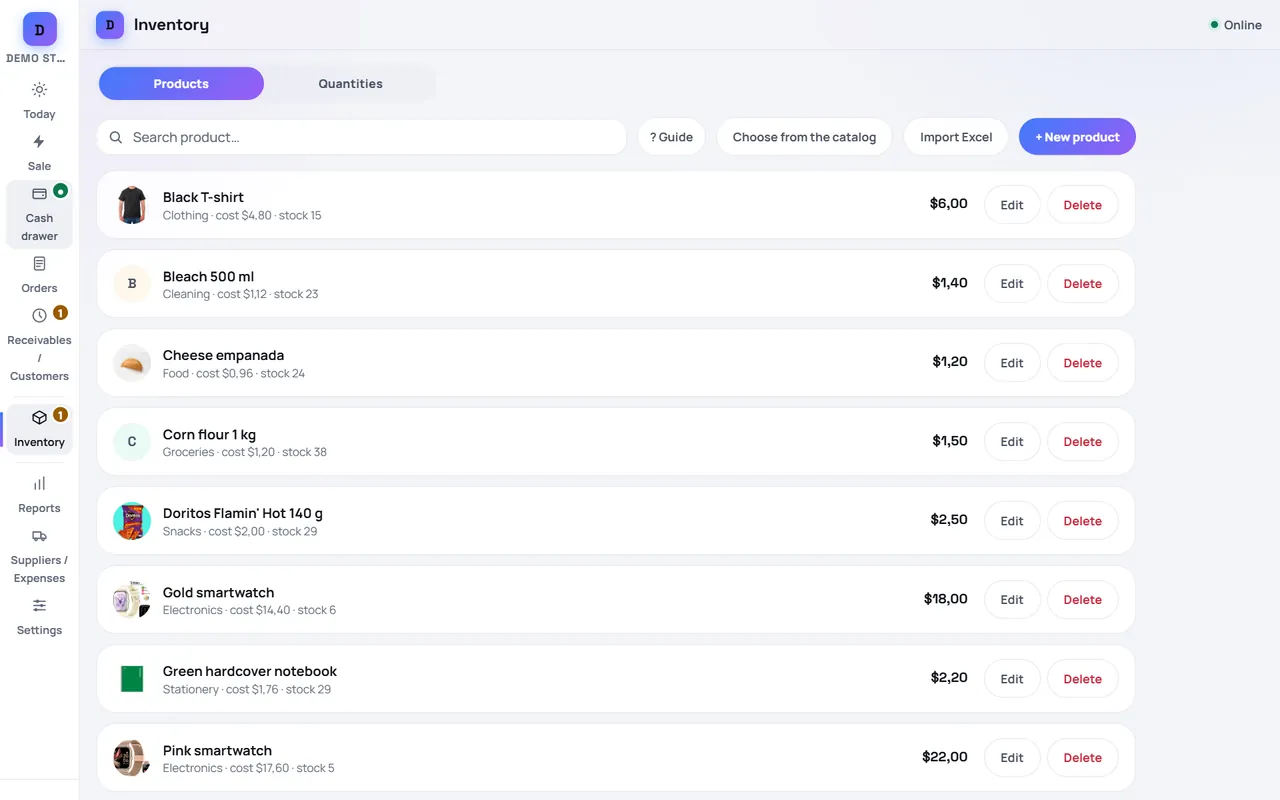
- Unlimited products, with photos, categories and barcodes.
- Fast checkout with mixed payments (part cash, part card or transfer), change calculation, and selling by weight (kilograms or pounds), litre or metre.
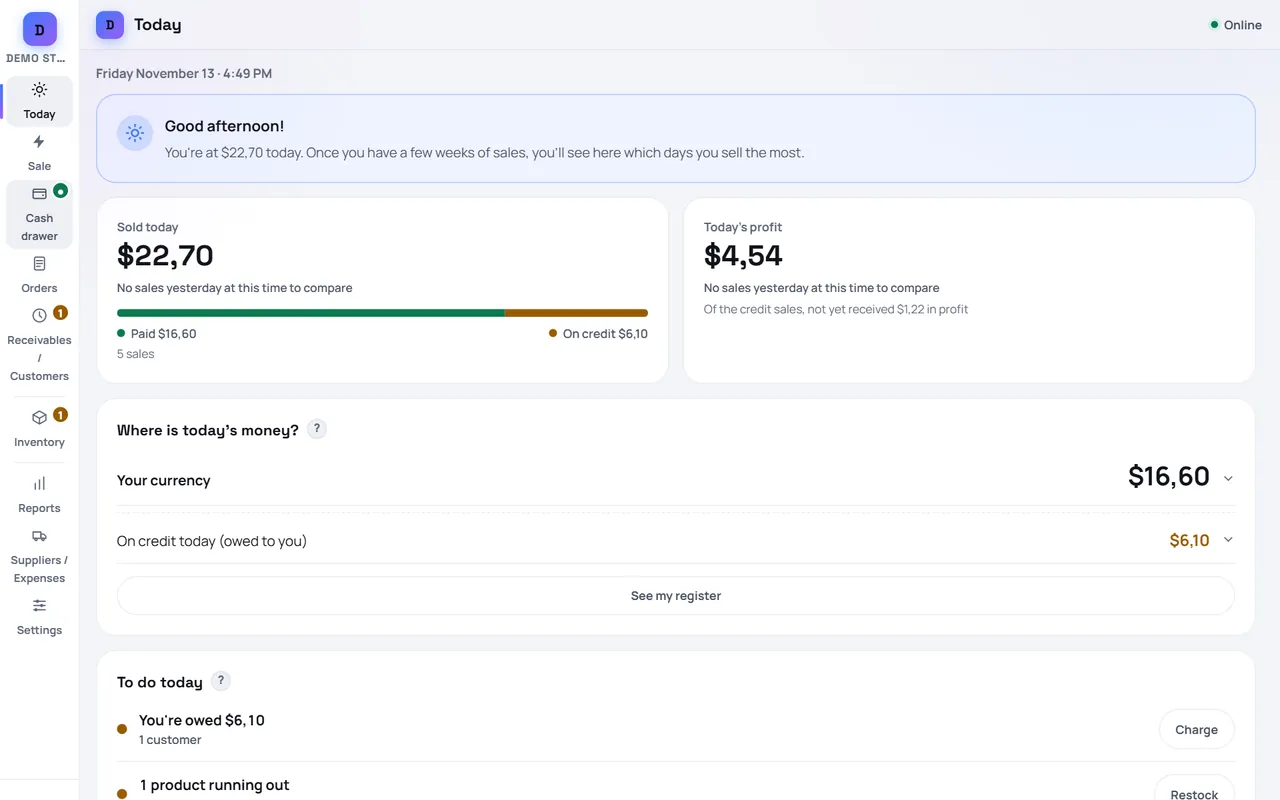
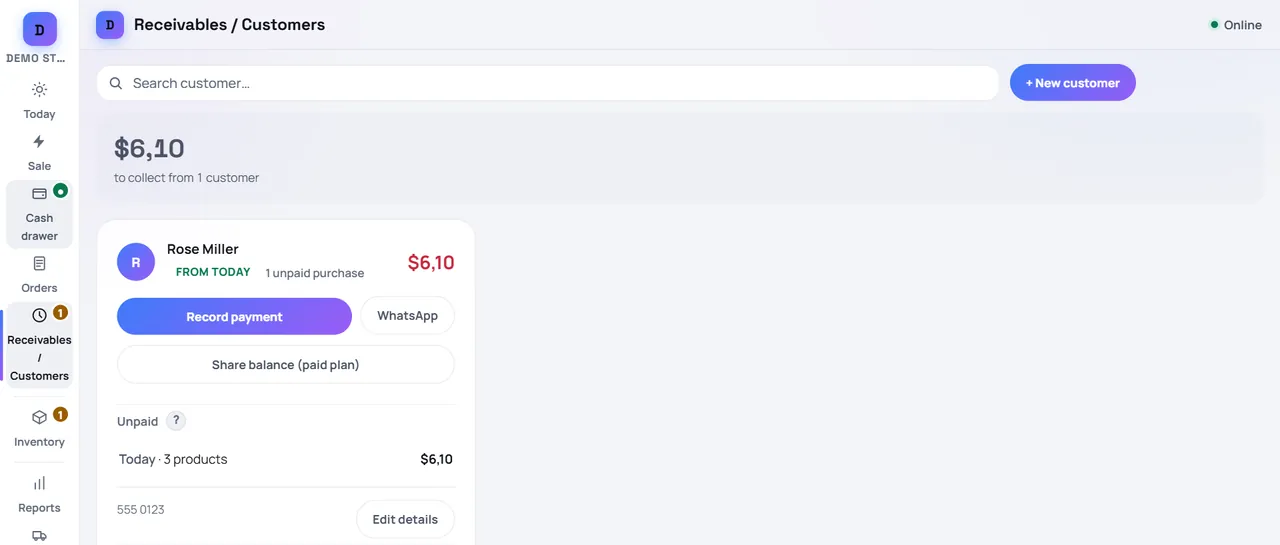
- Customer tabs (store credit): sell now, collect later, with partial payments, a credit limit and a due date per customer.
- Your local currency, plus US dollars or any other currency you accept, each with the exchange rate you set.
- Inventory that goes down with every sale, low-stock alerts and the shelf where each product is.
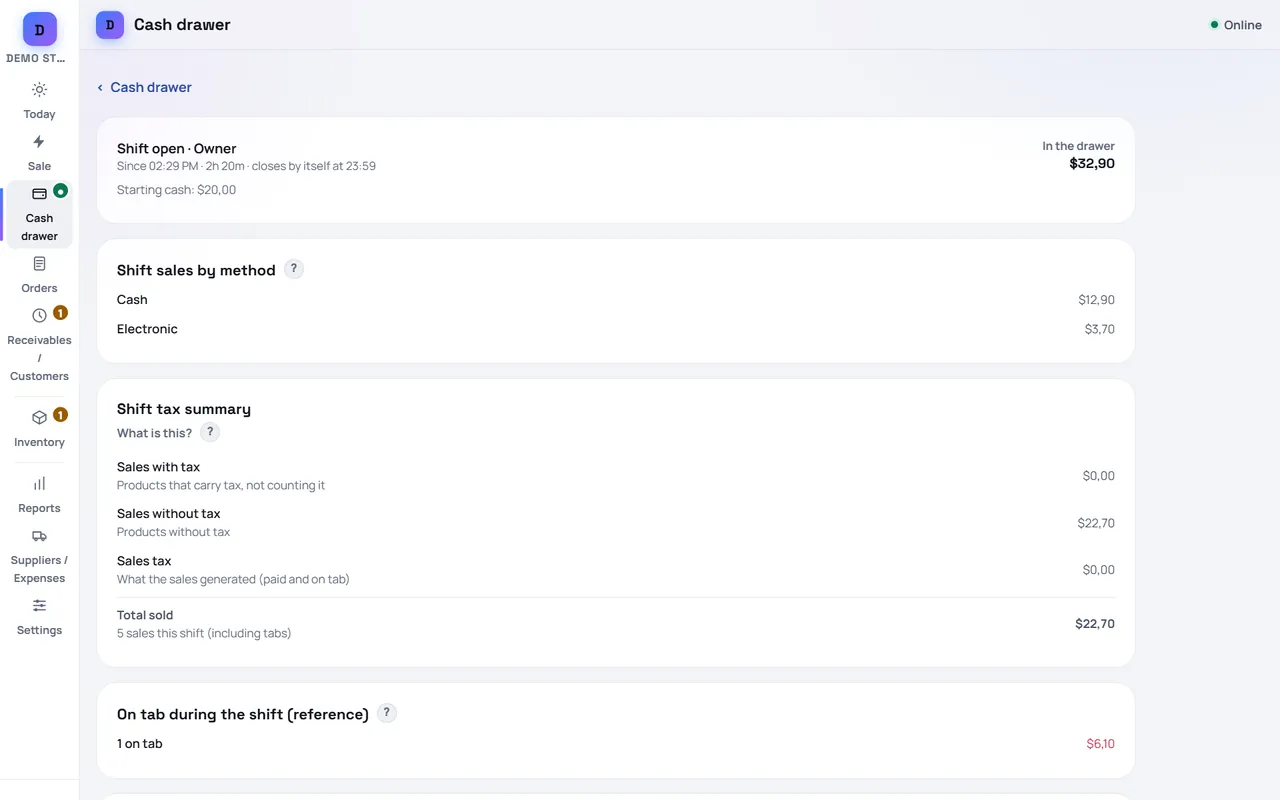
- Cash drawer by shift: opening float, cash in and out, and a count at closing that tells you if money is missing.
- Receipts on 58 mm and 80 mm printers and delivery notes on A4/Letter paper. From the Android app you can also print directly over Bluetooth, network or USB. Barcode scanning with a USB reader or the phone camera.
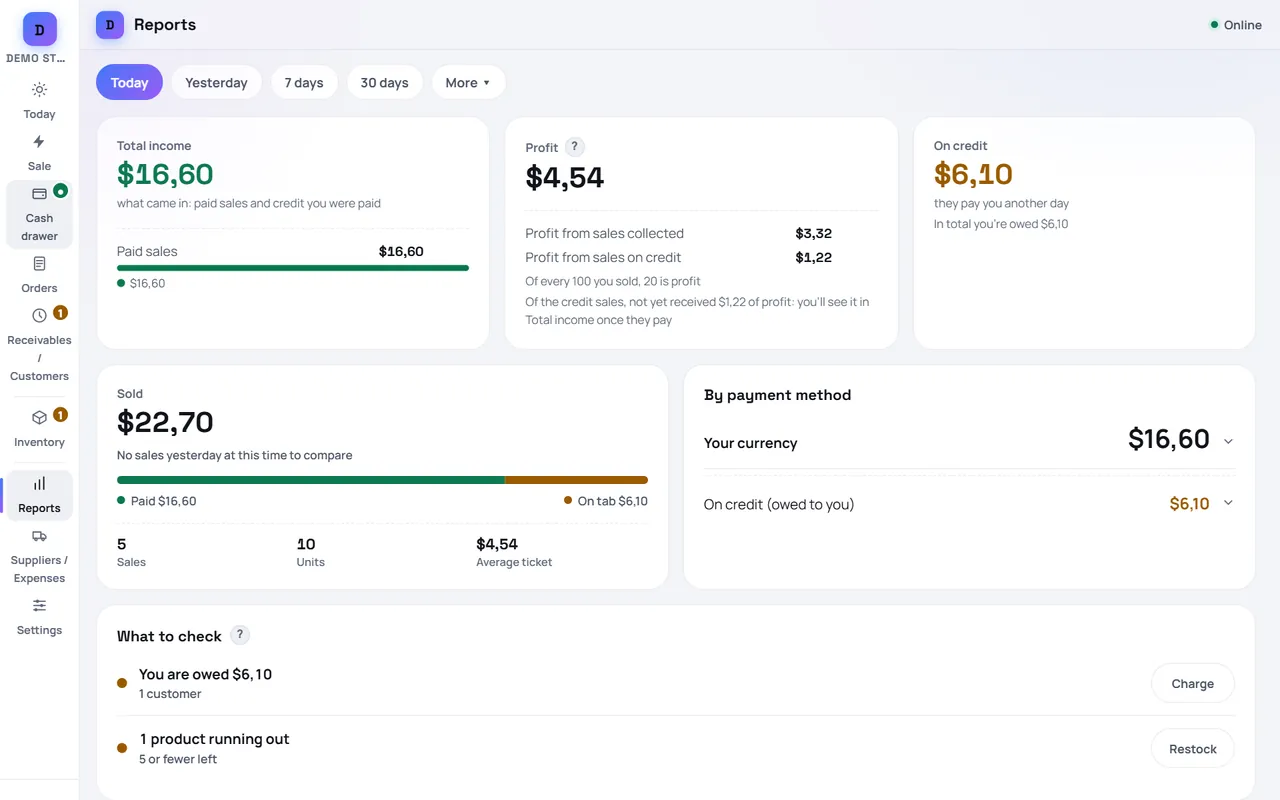
- Reports for the last 31 days: sales, profit on what you sold and best sellers.
- A digital catalog you share by link, WhatsApp or a printed QR code, where customers can place orders and book appointments.
- Restaurants: tables, orders sent to the kitchen and the bar, split bills and tips.
- Food and services: recipes that deduct their ingredients, a calendar with appointments, and services with a duration.
- One cloud backup you can restore, and a full copy of your business saved to a file whenever you want.
- It works without internet: if the signal or the power goes out, you keep selling.
Built for any country and any currency
- 137 countries to choose from when you create your account. Prices are written in your own currency; the time zone, the weight unit (kilograms or pounds) and the receipt follow your country.
- Sales tax or VAT is optional: you set the rate and mark which products carry it.
- Three languages: English, Spanish and Portuguese (Brazil). You switch with one tap, and changing the language never touches your data.
- Phone, tablet or computer: it runs in the browser on Android, iPhone, iPad, Windows and Mac, and there is an Android app on Google Play. On a computer or an iPhone you install it from the browser.
Paid plans, when you grow
Everything above stays free. As of November 2026, the paid plans add several registers that share one inventory in real time, cashier and waiter logins with their own permissions, the full sales history, report downloads, suppliers and expenses, batch expiry dates, discounts at checkout, more backups and branches. The current plans and prices are on our pricing section (in Spanish), and you can upgrade from inside the app.
What FrixPOS does not do
We would rather you know before you start:
- No electronic invoicing and no fiscal printers. FrixPOS receipts and delivery notes are not tax invoices. If your country requires e-invoicing, you need a separate provider for that.
- It does not process card payments. You charge on your own card terminal or payment app, and FrixPOS records how each sale was paid.
- It does not connect to scales. You type or scan the weight, and FrixPOS calculates the price.
Try it in one minute
- Open the live demo: a sample store in US dollars, with no signup. Nothing you do there is saved.
- When you like it, create your free account, choose your country and currency, and add your first products (one by one, from a spreadsheet, or from a shared catalog of common products).
- Add it to your phone's home screen or install the Android app, and start selling.
Who makes FrixPOS
FrixPOS is built by Jonathan Govea and operated by Perija Store LLC, a limited liability company registered in Wyoming, USA. It is designed for small businesses that have to keep selling through power and internet outages: a basic phone, an unstable connection and no technical staff. Support is by chat from Contact, inside the app, and by email at [email protected], on every plan.
Frequently asked questions
Is FrixPOS really free?
Yes. The free plan has no time limit, no card and no product limit. It includes sales, customer tabs, inventory, the cash drawer, the digital catalog, restaurant tables and reports for the last 31 days. Paid plans add more registers, cashier logins, the full history and other tools for growing businesses.
Does it work without internet?
Yes. Once the app has opened on your device, you can sell, take payments and close the drawer offline. Your sales stay on the device, and the automatic cloud backup runs again once you are back online.
Which currencies can I use?
Any. You choose your country and your currency when you sign up, and you can also accept US dollars or other currencies with the exchange rate you set. Change is calculated in the currency you choose.
Which languages does the app come in?
English, Spanish and Portuguese (Brazil). You change the language from the entry screen, the menu or the settings, and your product and customer names stay exactly as you wrote them.
Can I print receipts and use a barcode scanner?
Yes. FrixPOS prints 58 mm and 80 mm receipts and delivery notes on regular paper. The Android app prints directly over Bluetooth, network or USB. Barcodes can be read with a USB scanner or with the phone camera.
Is there an iPhone app?
FrixPOS runs in Safari on iPhone and iPad, and you can add it to your home screen so it opens like an app. There is a native app for Android on Google Play.